For agencies
Running the same content workflow by hand for each client eats hours you could spend on strategy. RankAscend gives every site its own queue, schedule, and publish mode, all visible from one account.
1
dashboard for every client site you manage
4
publish modes available per site
1
publish log per site, ready to share with a client
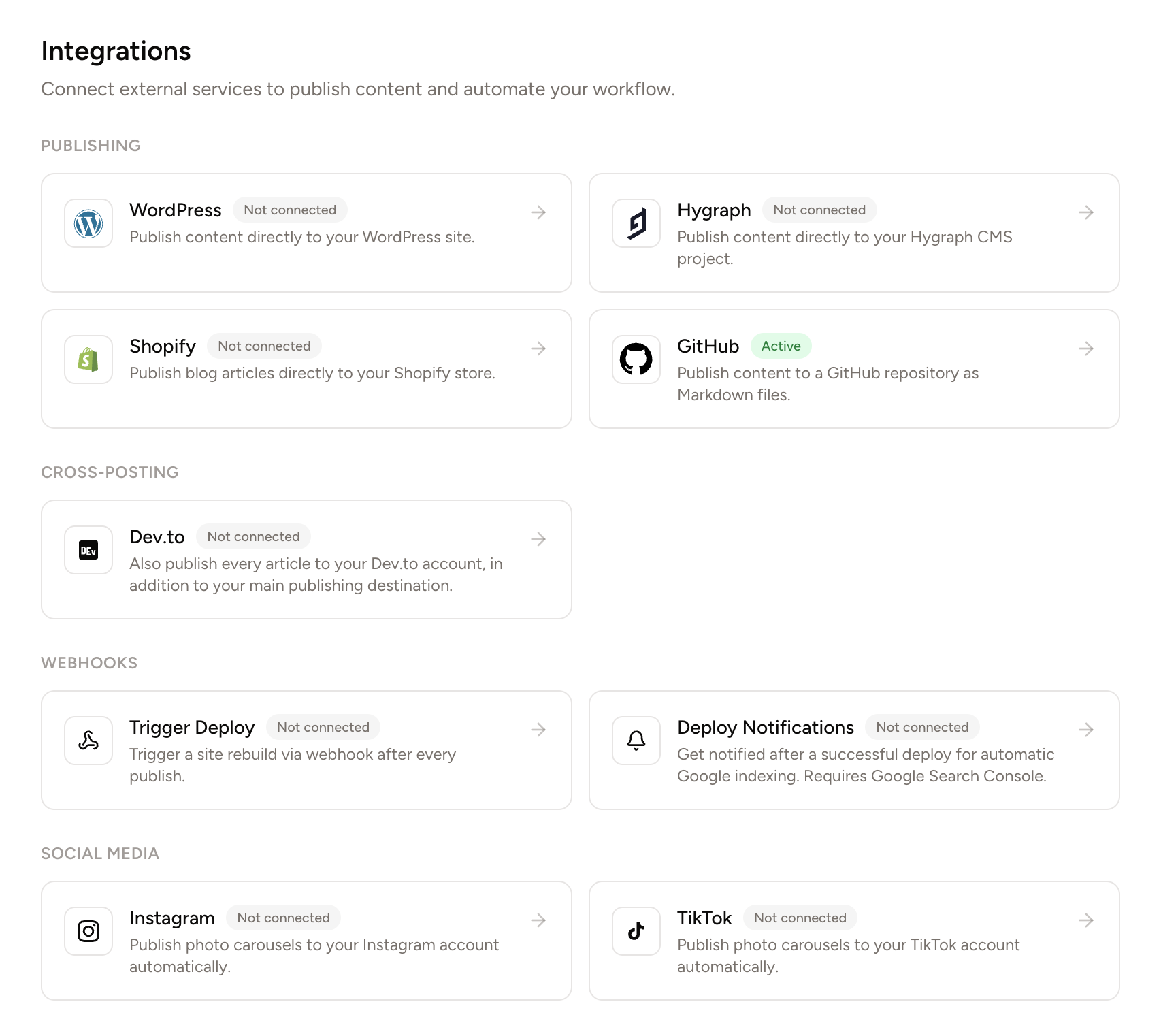
Works with your existing stack
Why it works
Every client site needs the same things: keyword research, content, schema markup, publishing, and a report at the end of the month. Doing that by hand per client does not scale past a handful of accounts.
RankAscend runs the workflow independently per site, from one account. Configuration differs by client, the underlying pipeline does not, and the publish log gives you the report without extra work.

Features
Add each client's site with its own repo or Hygraph connection. Switch between sites from a single dashboard instead of separate logins per client.
Publish schedule, content types, word count, and language are all set independently per site, so no two clients have to share a workflow they do not need.
Some clients want content live immediately. Others want a PR for their team to merge. Choose the publish mode per site, not per account.
Hold every article for review before it goes live. Share the draft with a client, request changes, or approve it yourself, all before the commit happens.
Every job records its commit SHA, PR link, and deploy status. Pull it up for a client call instead of compiling a report from scratch.
The same validation runs before every commit, on every client site, so structured data quality never depends on which account manager is watching.
Per-client configuration
Each site keeps its own queue, schedule, and publish mode. Nothing about how one client's site is configured touches another's.
Connect your sitePer-site queue
Each client's keyword gaps, scored independently against their own site and niche.
Per-site schedule
Publish time and content types set individually. No client is forced onto another's cadence.
Per-site publish mode
Direct push for clients who want it live immediately, pull request for clients who want to merge it themselves.
Process
Connect the repo or Hygraph CMS for each site you manage. Every site gets its own crawl, keyword queue, and settings from the start.
Set the publish schedule, content types, word count, and publish mode, direct push or pull request, independently for each site.
Keep draft mode on for clients who want sign-off, or turn on auto-approve for sites where you have full authority to publish.
Every job is timestamped with its commit and deploy status. Use it directly as the activity report for your next client update.
Reliability
Full git history per client site. If a client asks what changed and when, the answer is already there.
The same validation gate applies across every client site. Quality does not vary by who is managing the account that week.
A bad deploy on one client site does not stay live. RankAscend reverts the commit automatically and logs the failure.
GitHub, Hygraph, and Google Search Console access is scoped to the minimum required per site. Credentials are encrypted at rest.

The cost of reporting overhead
Compiling a monthly update by hand for each client, what published, when, and whether the deploy went cleanly, is its own recurring task on top of the actual SEO work.
RankAscend's publish log already tracks commit SHA, PR link, and deploy status per job, per site. It is the report, not a summary you have to build from one.
FAQ
Yes. Add each client's site with its own repo or CMS connection. Every site gets an independent keyword queue, schedule, and settings, all visible from one dashboard.
Yes. Choose direct push or pull request per site, and toggle draft mode or auto-approve per site. One account, as many workflows as you have clients.
Yes. Every job records its commit SHA, PR link, and deploy status. It is built to be shared as-is, without extra formatting, as proof of the work delivered that month.
Yes. Draft mode holds every article in an inbox before it publishes. Review it yourself, request an AI fix, or share the draft externally before approving it.
No. GitHub only stores and versions the content files for that site. Each client's site can be hosted anywhere, Netlify, Vercel, Cloudflare Pages, or their own server.
Pricing
For indie hackers and solo founders.
For teams and agencies at scale.
No credit card required. See full feature comparison →
Related features
The full pipeline per client site: crawl, keyword discovery, article generation, and scheduled publishing.
Hold any client's articles for review before they go live. Inline editing and one-click AI fixes on every draft.
Commit SHA, PR link, and deploy status per job, per site. A ready-made activity report for every client.
More features
More ways RankAscend automates your SEO
Ready to scale past one client?
Add each client's site, set its schedule and publish mode, and RankAscend runs their content pipeline independently, with a publish log ready to share.